
Scope at a Glance
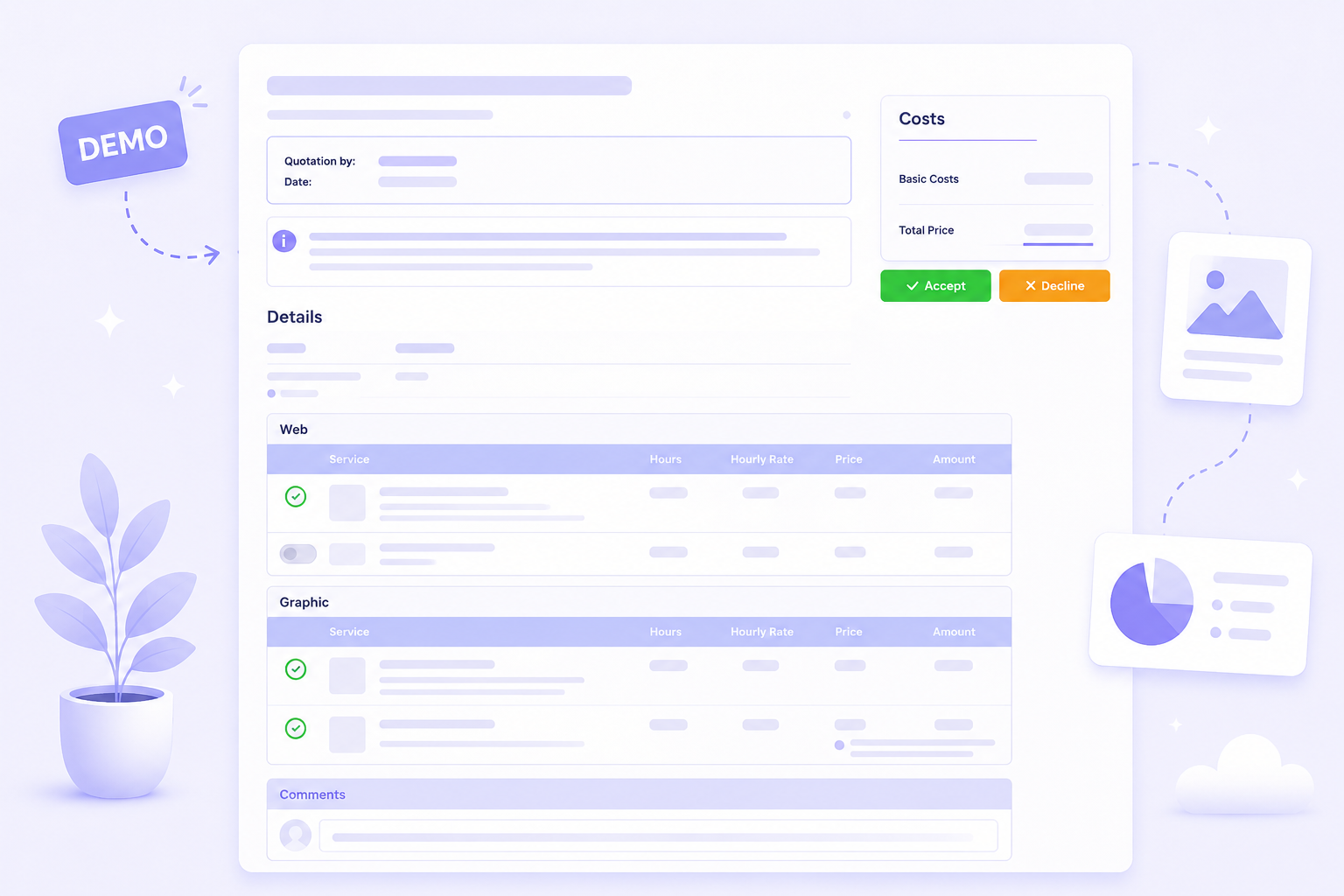
Every service line shows its price, description, and whether it is mandatory or optional. Clients see what they are getting before deciding.
Demo
The demo is not a slideshow. Open a real quotation page, read the scope, change optional services, watch the total, and see how the final decision feels from the buyer's side.
Two-minute Test Drive
Click through it as if someone sent you the offer and your job is to understand the price quickly.
Every service line shows its price, description, and whether it is mandatory or optional. Clients see what they are getting before deciding.
Toggle optional services on and off. The total recalculates instantly without generating a revised PDF or sending a new email.
The quotation page is responsive and requires no account or login. Clients open the link and review the offer immediately.
Clients accept or decline on the page. The sender is notified the moment a decision is made. No separate reply needed.
What the demo should prove
The demo is useful when it helps you imagine a real client who wants clarity before committing.
After the demo
The fastest way to evaluate Justiqa is to recreate a quotation you recently sent or using AI.